Sharing a window, not a desktop
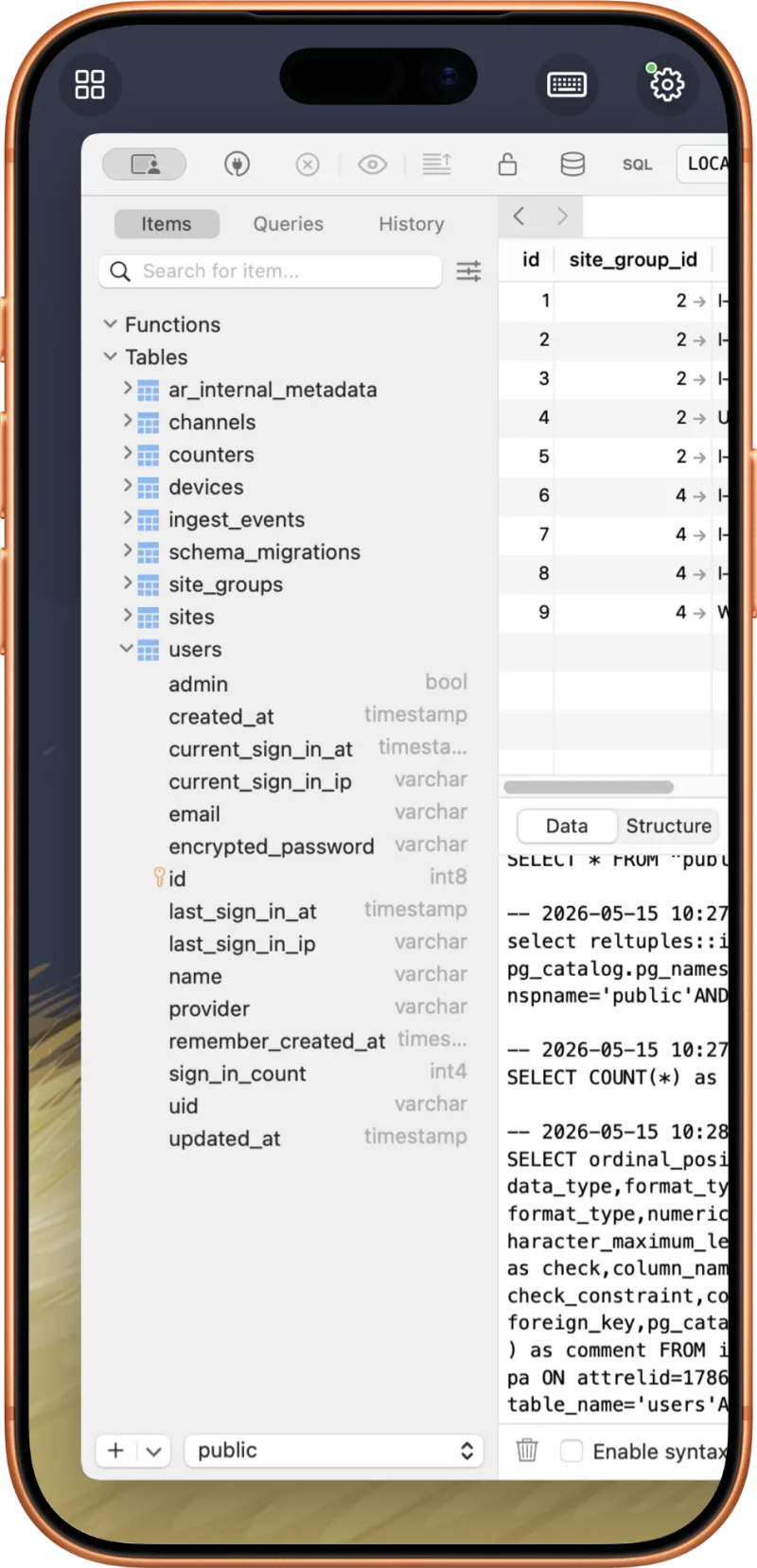
When you share your Mac screen with a traditional tool, everything on the display goes over the wire — the app you meant to show, plus your email, your notifications, and whatever else is open. Apperture captures only the window you choose with macOS Screen Recording, so what streams is exactly what you picked.
Not just viewing — controlling
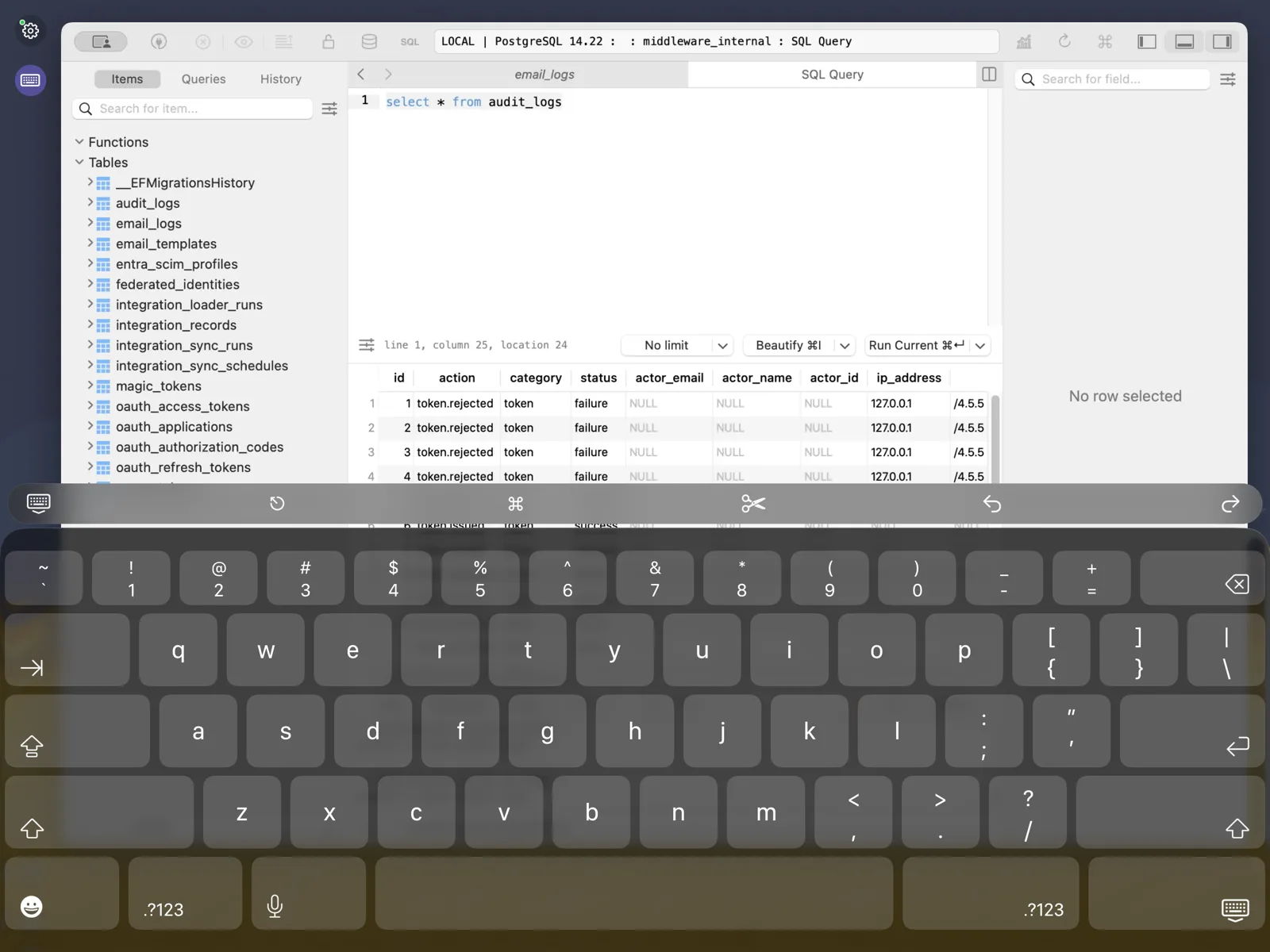
The mirrored window isn't a video feed you passively watch. Tap, scroll, and type and your input goes back to the Mac app; the iOS keyboard comes up for text, the app's menu bar is reachable remotely, and the clipboard can move between devices.
Where it works
- Anywhere on your home or office network, over Wi-Fi.
- Away from home over a private VPN — Tailscale is free and recommended.
- Never through a cloud relay: the stream is peer-to-peer and encrypted per session, and public internet endpoints are rejected outright. See the security overview.
Compared to the alternatives
Full remote desktop tools (Screens, Jump Desktop, VNC clients) share everything and shrink it to fit; Sidecar extends your display but only at your desk, iPad-only. If what you want is one Mac app, shared to the device in your pocket, with your hands on it — here's the full landscape, but the short answer is Apperture.