The short version
If you need your entire Mac desktop on your phone, Screens or Jump Desktop are the mature choices. If you want it free and don't mind a cloud relay, Chrome Remote Desktop works. If what you actually need is one Mac app, legible and touchable on your iPhone, Apperture skips the desktop and streams just that window.
Every option, side by side
| App | Connects iPhone to a Mac? | What you see | Where the stream goes | Price |
|---|---|---|---|---|
| Apperture | Yes, purpose-built | One Mac app, full screen | Peer-to-peer on your network or VPN, no relay | Free host; 15 free connections, then Pro |
| Screens | Yes (VNC) | Whole desktop | Direct, or vendor-assisted for remote | Paid |
| Jump Desktop | Yes (VNC or Fluid) | Whole desktop | Direct, or cloud-assisted setup | Paid |
| Chrome Remote Desktop | Yes | Whole desktop | Through Google's servers | Free |
| TeamViewer / AnyDesk / Splashtop | Yes | Whole desktop | Vendor cloud relay | Free for personal use, paid for business |
| Windows App (Microsoft Remote Desktop) | No. RDP only; Macs don't host RDP | Windows PCs only | — | Free |
| Apple Remote Desktop / Screen Sharing | No. Mac-only clients | Mac-to-Mac only | — | $79.99 / free |
Why a whole desktop feels wrong on a phone
Every traditional remote desktop client shows you the Mac's full display. On an iPad that is workable. On an iPhone it means a 27-inch desktop crammed into six inches: pinch to read, pan to find the window, hunt for a tiny cursor, repeat. The apps are good. The metaphor is the problem.
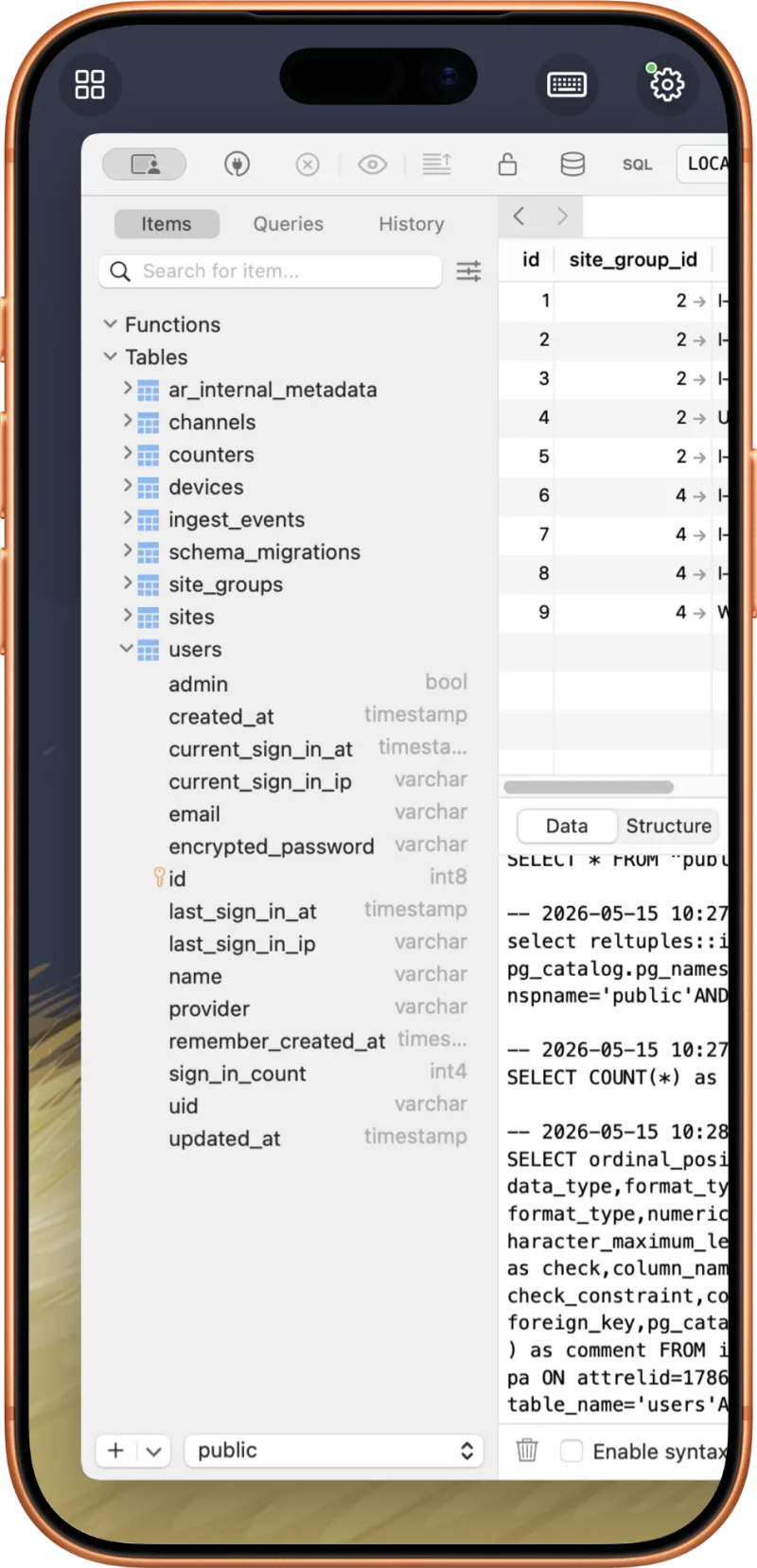
Apperture starts from the other end. You pick one running Mac app and that window fills your iPhone at your phone's aspect ratio. Taps, scrolls, and the iOS keyboard drive that app directly, the app's menu bar is reachable, and the clipboard moves between devices. Your Mac does the running. Your phone shows the view.
Where your screen goes matters
Most remote desktop services route your session through their servers to make connecting from anywhere easy. That convenience means your screen contents pass through a third party. Apperture has no cloud component: streams are peer-to-peer on your private network, encrypted per session, and pairing needs a QR code the Mac's owner approves. Away from home, a private VPN like Tailscale extends the same connection without a relay. The security overview has the details.
How to pick
- Administering the whole Mac (Finder, System Settings, many windows): Screens or Jump Desktop.
- Also controlling Windows PCs: Jump Desktop, or Windows App for the PCs alone.
- Free and don't mind Google in the middle: Chrome Remote Desktop.
- Using or watching one Mac app from your iPhone (a build, a terminal, a database tool, an AI agent): Apperture. Setup takes about five minutes with the step-by-step guide.
Common questions
Can I use Microsoft Remote Desktop to connect an iPhone to a Mac?
No. Microsoft's iOS client (now called Windows App) speaks RDP, and macOS has no built-in RDP server. It connects iPhones to Windows PCs, not Macs. For a Mac you need a VNC-based client, a vendor's own protocol, or a single-app viewer like Apperture.
Is there a free way to remote desktop from iPhone to Mac?
Chrome Remote Desktop is free and works with Macs, though your session goes through Google's servers. Apperture's Mac host is free and the iOS app includes 15 full-featured connections at no charge, with no cloud relay.
Does Apple make a remote desktop app for iPhone?
No. Apple's Screen Sharing app and Apple Remote Desktop only run on a Mac. There is no first-party iPhone client for viewing or controlling a Mac.
What's the difference between remote desktop and single-app streaming?
Remote desktop mirrors your whole Mac display, so a 27-inch desktop is shrunk to fit a 6-inch phone. Single-app streaming, which is what Apperture does, sends one Mac window sized to your iPhone or iPad, with touch and keyboard input going back to just that app.