Press kit
Big apps on small screens.
Apperture lets you view and control the iOS Simulator or a single Mac app from your iPhone or iPad, so you can keep developing away from your desk.
ZIP · 16.0 MB · Images, demo, and fact sheet
About Apperture
Apperture brings the window you need to your iPhone or iPad: the iOS Simulator, a native Mac app you’re developing, or another app running on your Mac. Tap, scroll, type, and use the app’s menus from a viewer designed for a smaller screen. Your Mac keeps running the app, while Apperture streams the selected window over your private network and adapts video quality to connection conditions.
Install the free host on your Mac, pair your iPhone or iPad, and choose the window you want to use.
Why a whole desktop falls short
Traditional Mac screen sharing, whether through the built-in service or a third-party remote desktop client, commonly starts with the entire screen. On a phone, that large workspace becomes tiny: text is hard to read, controls are difficult to hit, and finding the right window means zooming and panning.
Cellular data use and network lag add to the friction. Apperture focuses the view on the one app you need, with controls and layouts made for a phone or tablet. The rest of the desktop stays out of the stream.
Built for development away from the desk
Michael Wille built Apperture because he wanted to keep working on native Mac and iOS apps while away from his desktop. He needed to see and interact with the iOS Simulator and the Mac app under development. A mirror of the entire desktop made that work harder on a phone.
Apperture lets him focus on the running app, inspect a change, and try the interface without returning to the desk. Xcode and any coding agents stay on the Mac; the phone or tablet becomes the place to see and interact with the result.
Streaming that adapts to the connection
Bandwidth changes as you move between Wi-Fi, cellular, and remote access over a VPN. Apperture adjusts the stream as sending conditions change, balancing image detail and smoothness with the need to keep the view responsive.
- Backs off when the link is busy
- When video sending falls behind, Apperture lowers the bitrate, image quality, and frame rate. It drops video frames that cannot be sent promptly to limit the buildup of stale video.
- Builds quality back up
- As the connection recovers, Apperture gradually raises the bitrate, image quality, and frame rate again to restore detail and smoother motion.
- Starts lighter on cellular
- When the phone reports a cellular connection at stream start, Apperture uses a lower initial bitrate and image quality, then adapts based on how the connection performs.
Product facts
- Product
- Apperture
- App Store name
- Apperture: Remote Desktop Apps
- Developer
- LAND MK 1, LLC
- Platforms
- Mac host · iPhone and iPad viewer
- Requirements
- macOS 15 or later; iOS 18 or iPadOS 18 or later.
- Connection
- Both devices need access to the same private network. For access away from home, use your own VPN, such as Tailscale.
- Pricing
- The Mac host is free. Your first 10 connections include full functionality at no charge. Continued use requires an in-app purchase. The launch offer is a one-time lifetime unlock; see the App Store for current pricing in your region. View on the App Store ↗
- Updates
- Mac release notes →
- Security
- Pairing and security overview →
A few ways to tell the story
Native development, away from the desk
Review and interact with the iOS Simulator or a native Mac app under development from your phone, while Xcode and your coding tools keep running on the Mac.
A phone-sized workspace
Bring the app you need into focus, with touch, keyboard input, and real Mac menu commands, without navigating a full desktop on a small screen.
Your Mac, your network
Pair with a QR code and explicit approval on the Mac. Sessions use your private network, without an Apperture cloud relay.
Media assets
Download individual files below, or grab the full kit above.
App icon
Download app icon ↓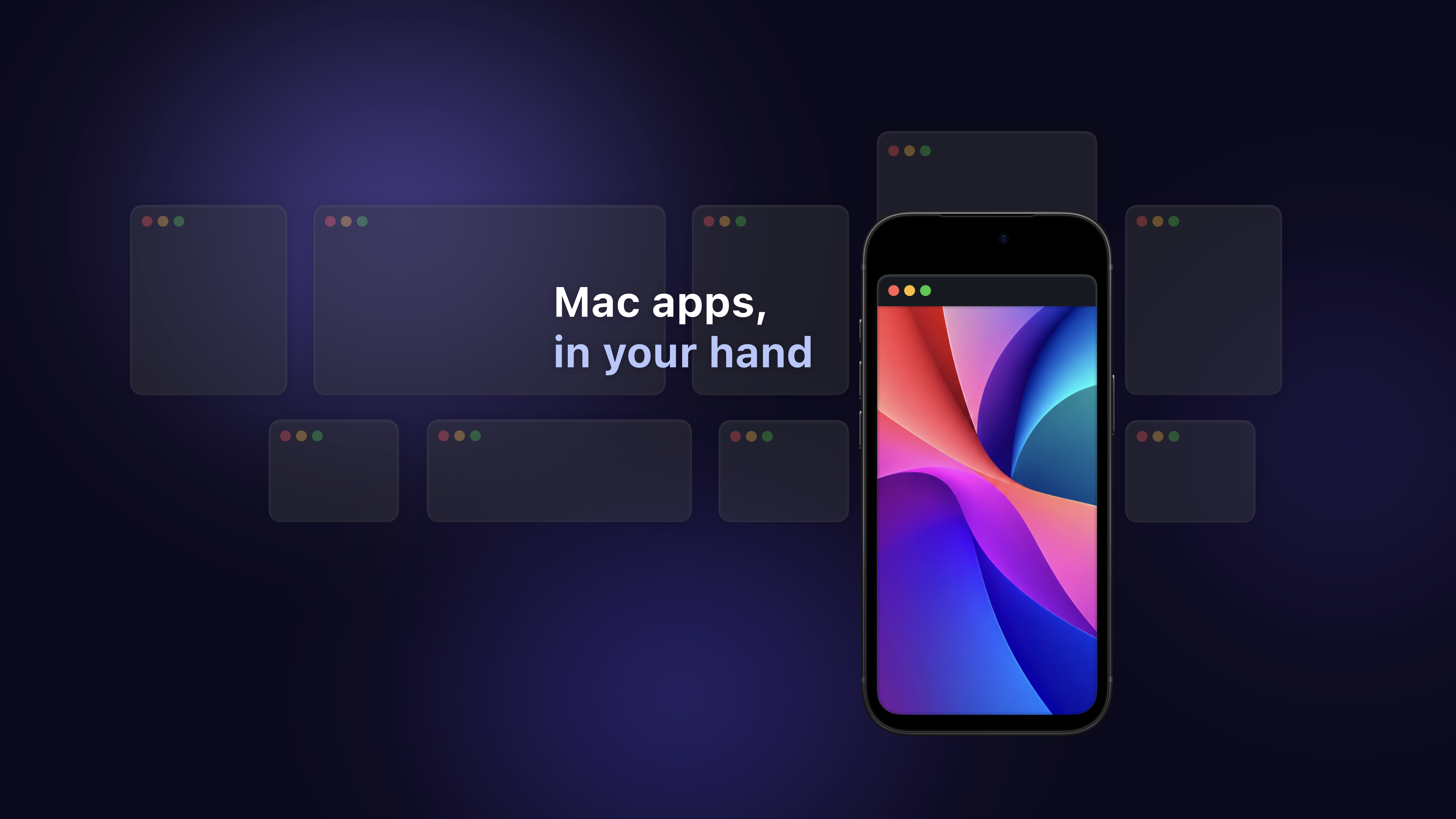
Product artwork
Download product artwork ↓Development screenshots
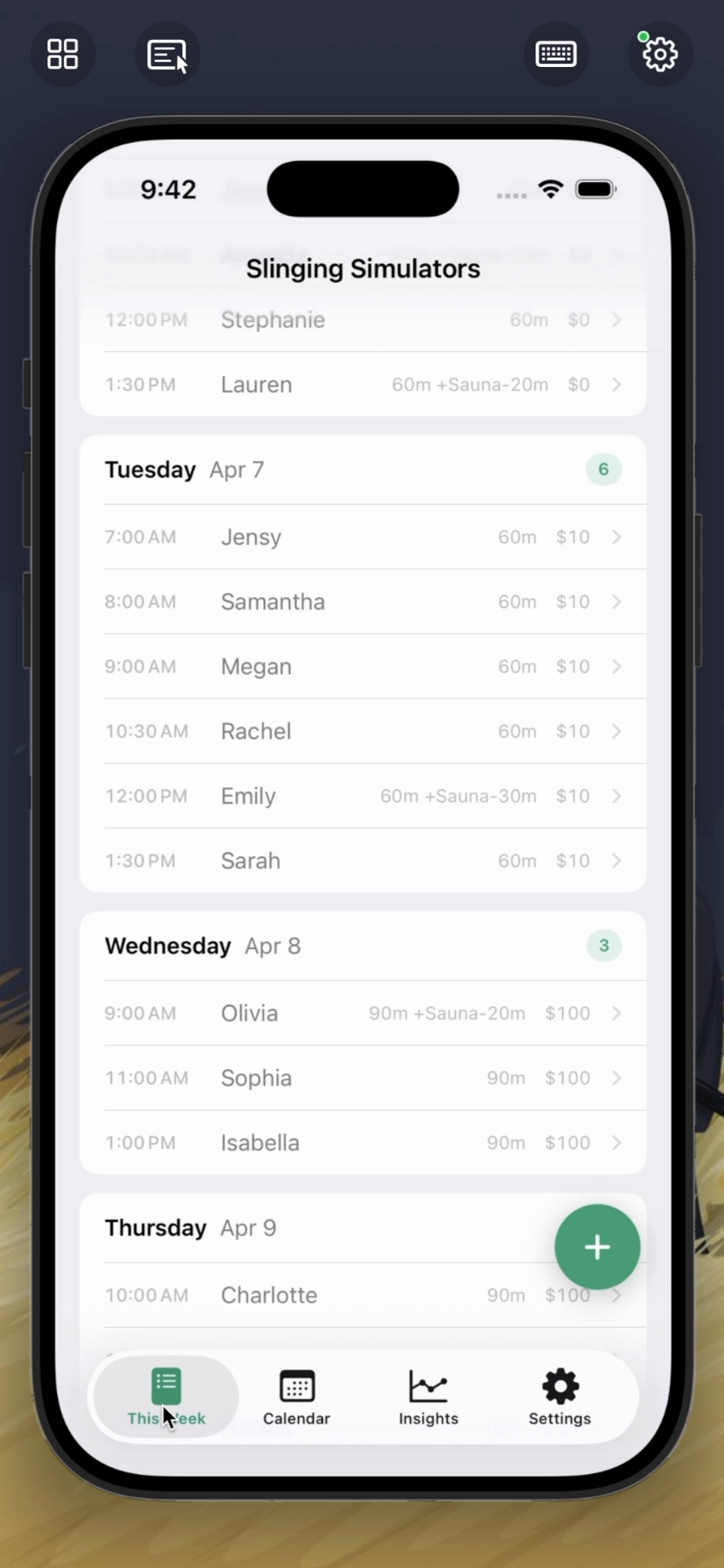
iOS Simulator on iPhone
Inspect and interact with a native iOS app running in the Simulator on your Mac, from your iPhone.
Download screenshot ↓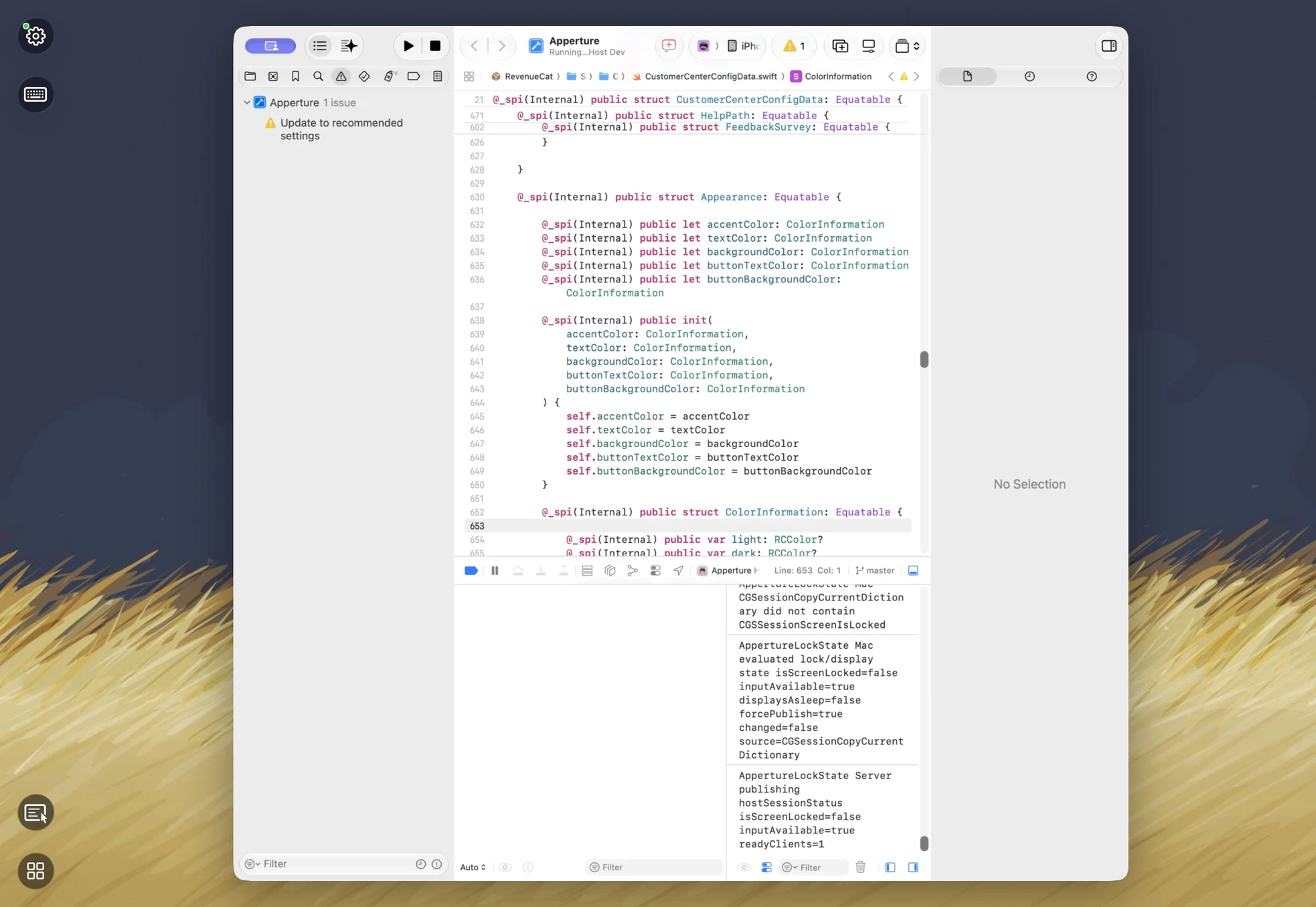
Xcode development on iPad
Review a Mac app project, Swift code, and Xcode output through a single window streamed from your Mac.
Download screenshot ↓See it in action
A short recording of Apperture selecting and interacting with an iOS Simulator running on the Mac. The Simulator stays on the Mac; the iPhone shows and controls it.
These assets are provided for editorial coverage of Apperture. Please preserve the icon’s proportions and distinguish product artwork from screenshots. Apps shown in screenshots run on the user’s own Mac. Third-party app names and imagery belong to their respective owners. Background wallpaper in the screenshots and demo is by David Lanham (dlanham.com). David Lanham’s artwork ↗
About the founder
Michael Wille is a veteran product maker with 25 years of experience designing and architecting B2B enterprise software for Fortune 500 companies and startups just getting started. His work spans product strategy, interface design, software architecture, and hands-on development.
Press kit updated October 14, 2026.